Product · Multilingual menu
A menu in your guest's language
This page is available in English for now.
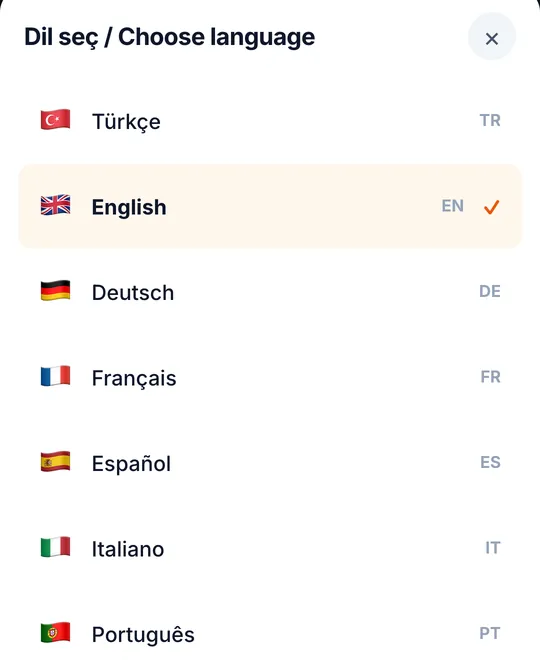
A multilingual menu shows each guest the same menu in their own language. Thmenu's guest menu is available in 31 languages: it opens in the language the phone is set to, the guest can switch, and you translate your item names and descriptions in one step — then correct any line by hand.
How it works
Write the menu once
Enter items in the language you work in.
Translate
Start a translation from the panel. It runs in the background as a queued job, so you can keep working.
Check and correct
Open any language and fix a name or description by hand; your edit is kept.
Guests read it in their language
The menu detects the phone's language and offers a language picker; right-to-left languages are laid out right to left.
Details that matter for tourists
- 01
Allergens are never machine-translated
The names of the 14 EU allergens come from fixed, reviewed wording in each language, not from a translation model.
- 02
Ingredient names are checked
A validator flags translations that change what an ingredient is, so a mistranslated dish does not go out unnoticed.
- 03
Prices in the guest's currency
Guests can view prices in another currency for orientation; the bill stays in yours.
Good to know
- Machine translation is a first draft
- Translations are produced by an AI model. Read the languages your guests use most, and correct anything that should be worded your way.
Multilingual menu